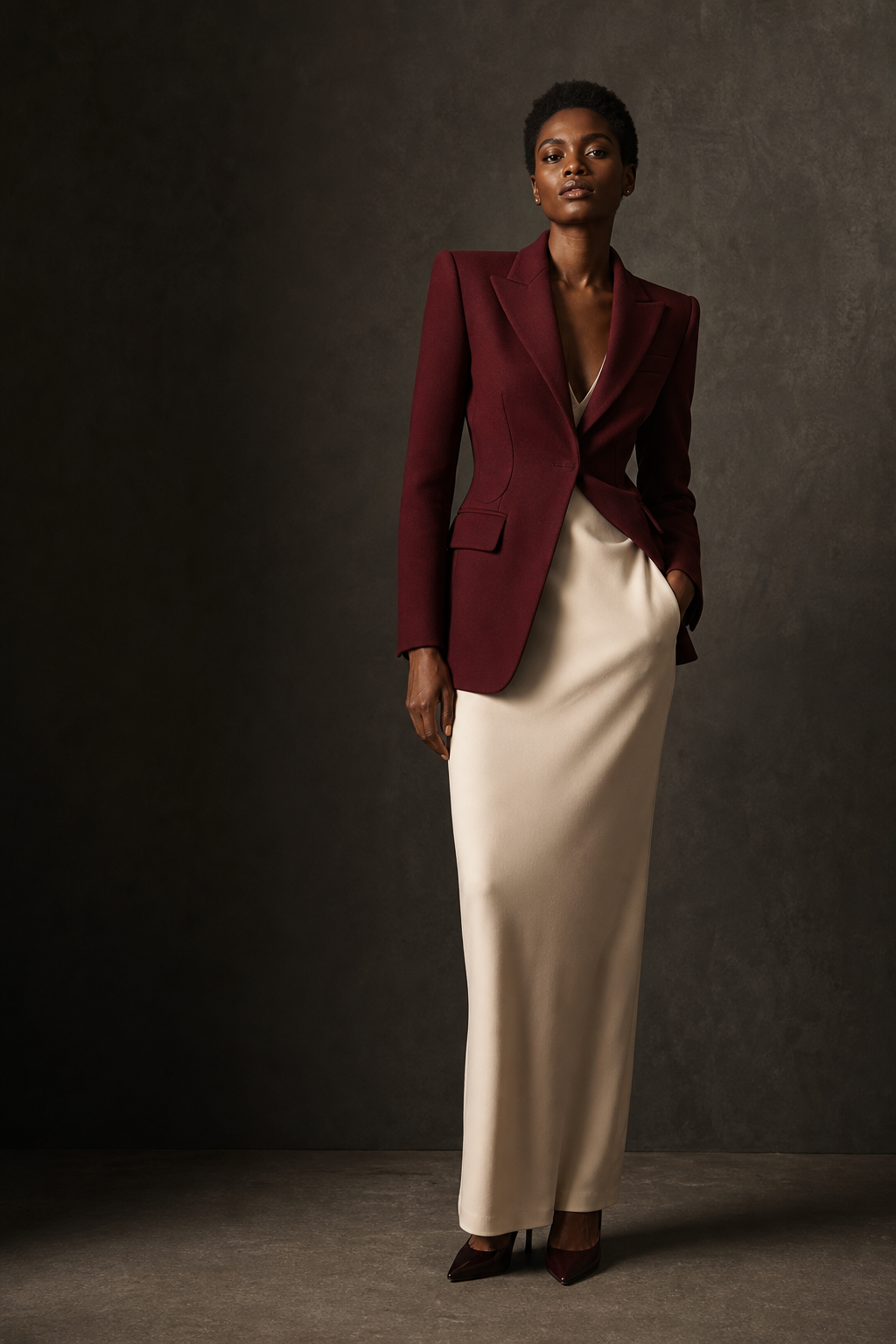
AI Virtual Try-On
See the look
before the shoot.
Turn a model photo and a garment image into a campaign-ready try-on in minutes. Keep the creative control, skip the production drag.
Create a look
Five credits per generation · results in about 30 seconds
See It in Action
One Garment, Four Scenes
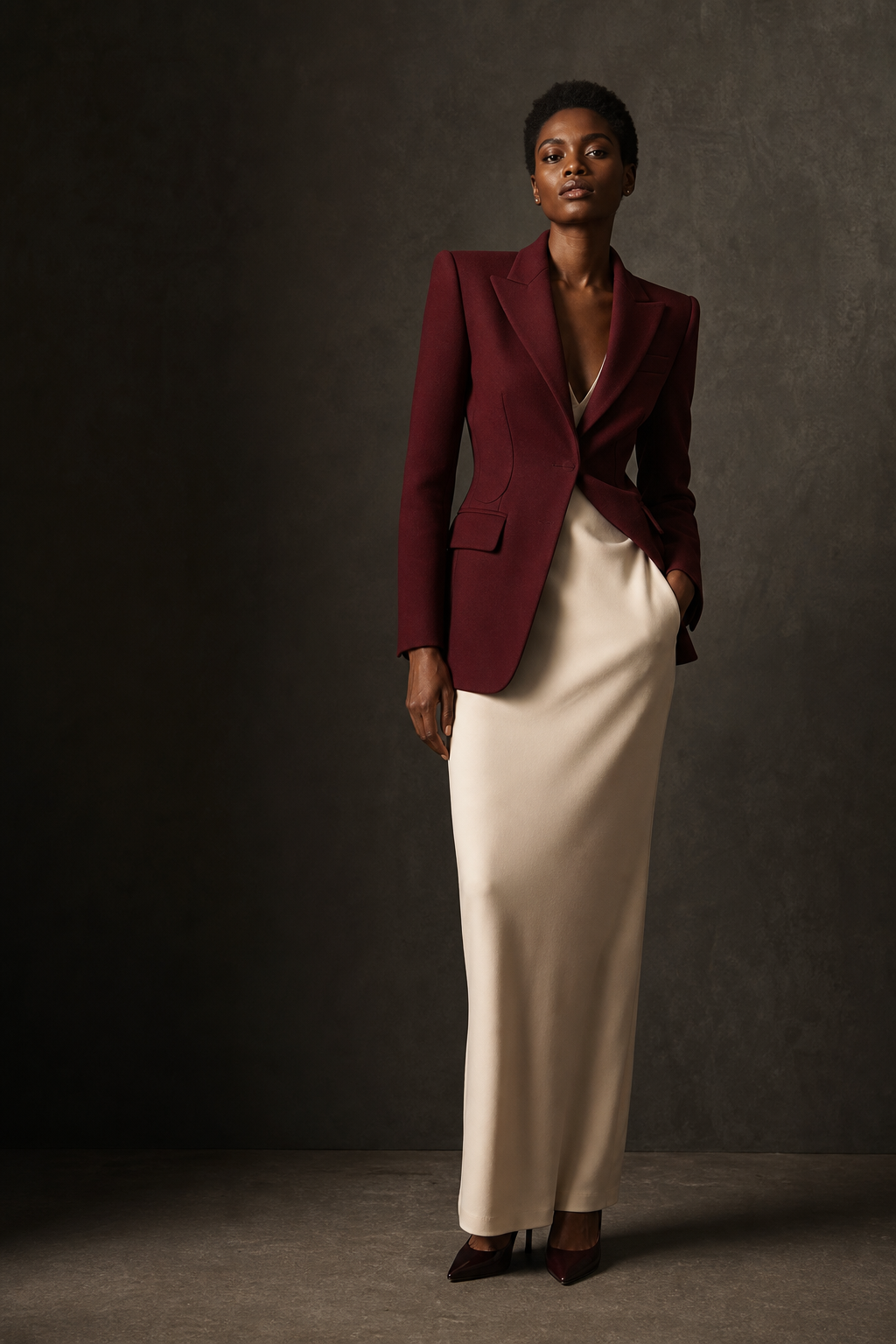
Studio
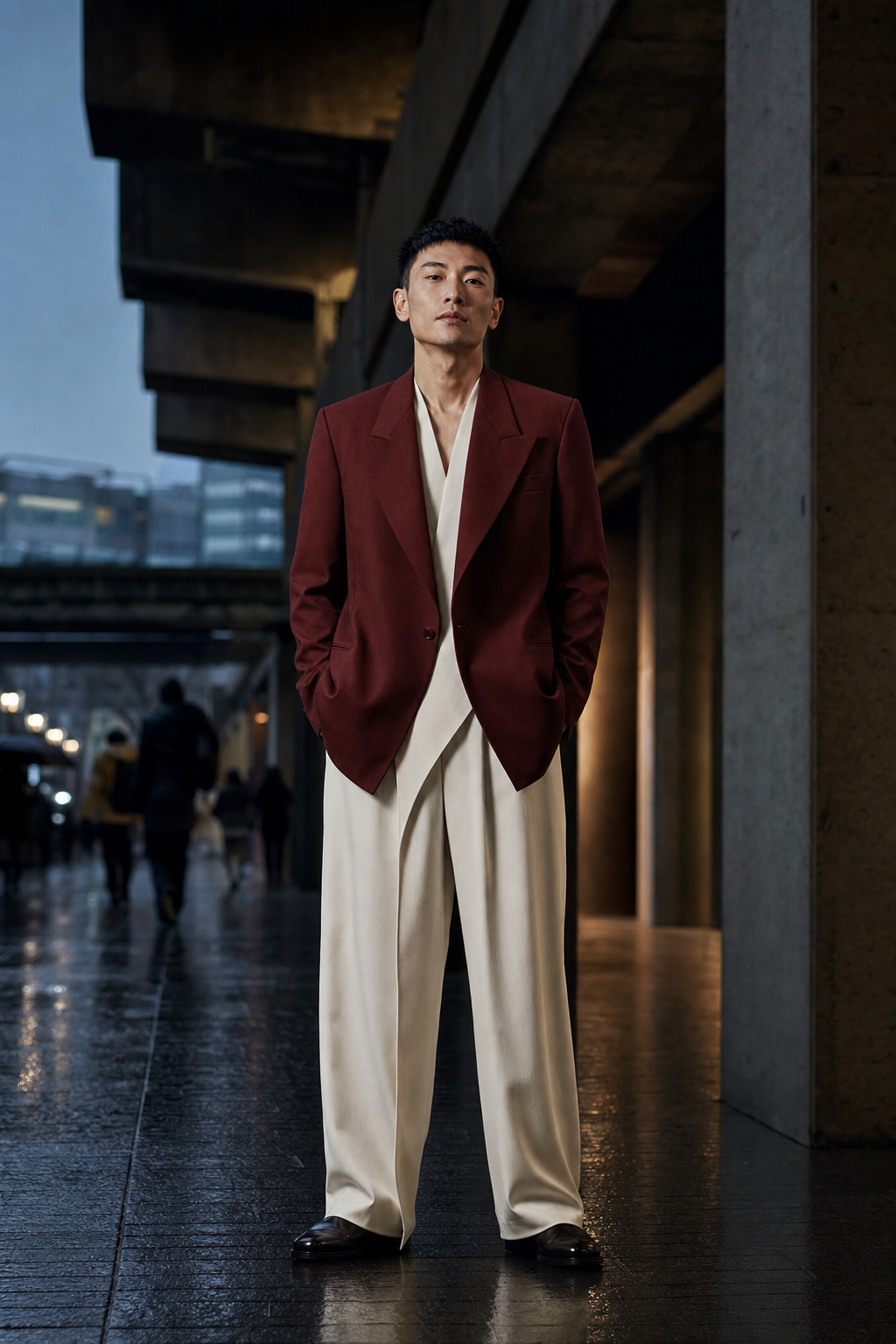
Street
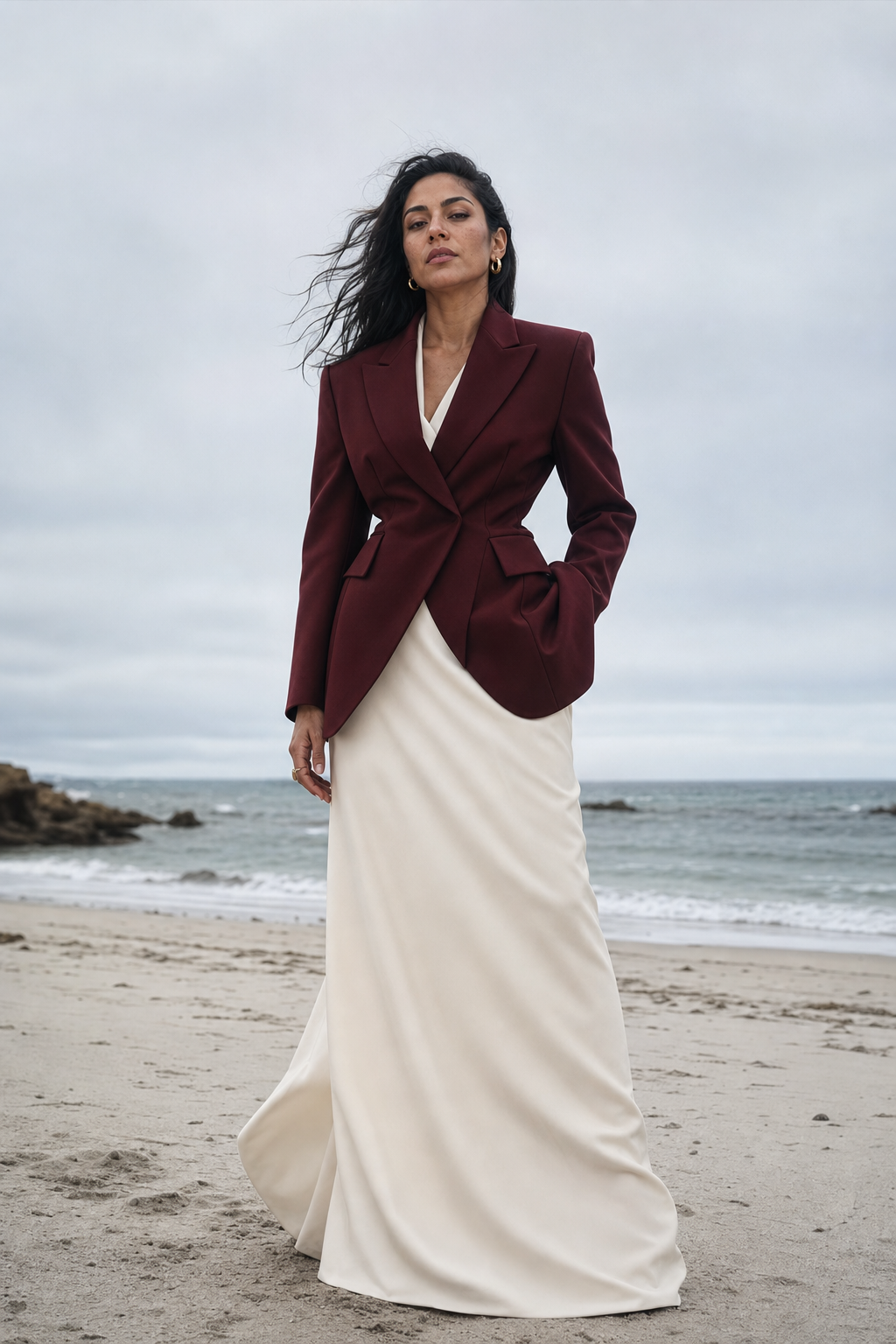
Beach
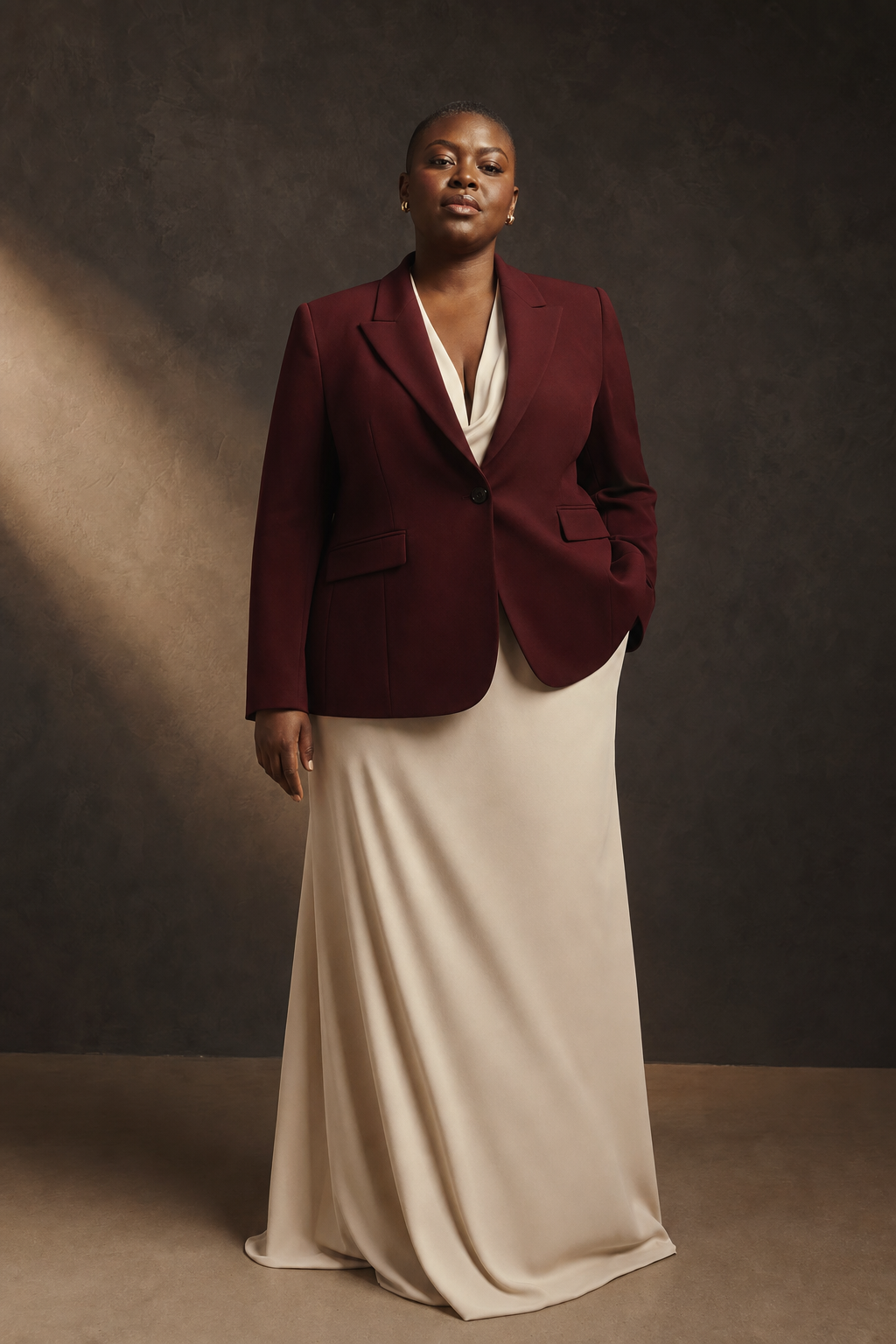
Plus
How it works
From two uploads to
one finished look.
- 01
Bring the model
Start with a clear, front-facing model photo. Full-body or half-body framing works best.
- 02
Add the garment
Upload the piece you want to visualize and identify it as a top, bottom, or one-piece.
- 03
Create and export
Generate the new look, review the result, and download it when it is ready to share.
Pricing
Plans for Every
Creative Need
Starter
$9/mo
- 50 'TryOn' credits
- Private image workspace
- Download every result
- Credits reset monthly
Most Popular
Pro
$25/mo
- 1,000 'TryOn' credits
- Private image workspace
- Download every result
- Credits reset monthly
Premium
$50/mo
- 5,000 'TryOn' credits
- Private image workspace
- Download every result
- Credits reset monthly
Ultra
$120/mo
- 5,000 'TryOn' credits
- Private image workspace
- Download every result
- Credits reset monthly
Frequently Asked Questions
Quick answers to common questions about generating images with TryTheFit.
Your next look
Make the image while the idea is still fresh.
Bring a model, bring a garment, and turn the combination into a polished virtual try-on in minutes.